To activate the plugin on the website and receive updates and new features, you will need to activate the license.
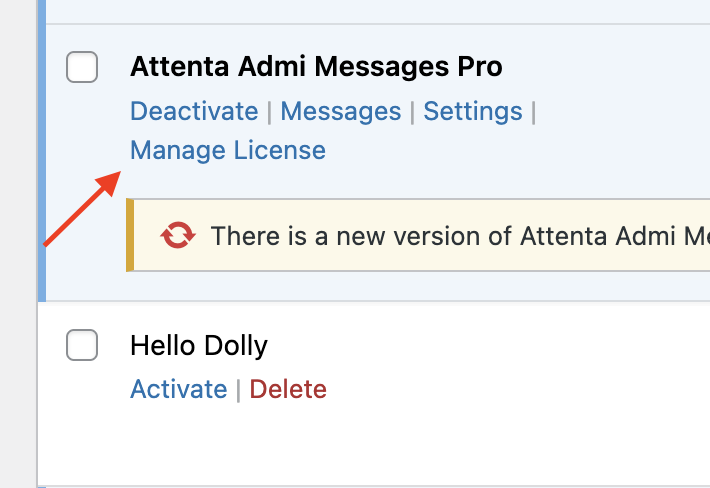
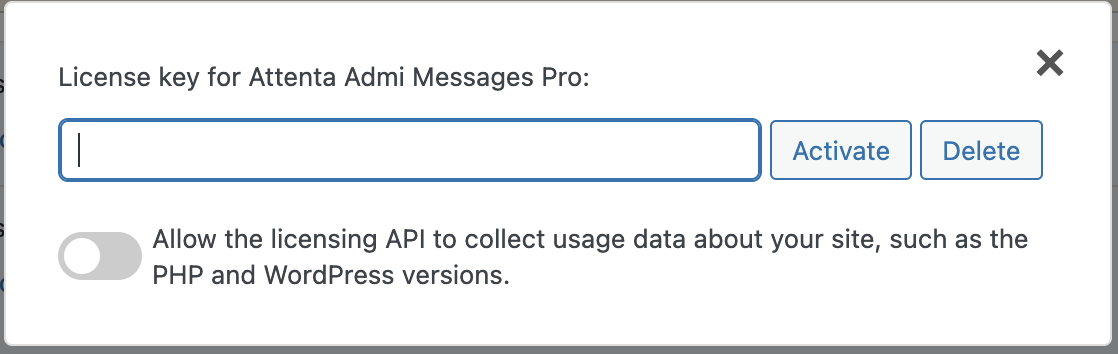
Go to the plugins page > Manage License and enter your license, and click Activate.
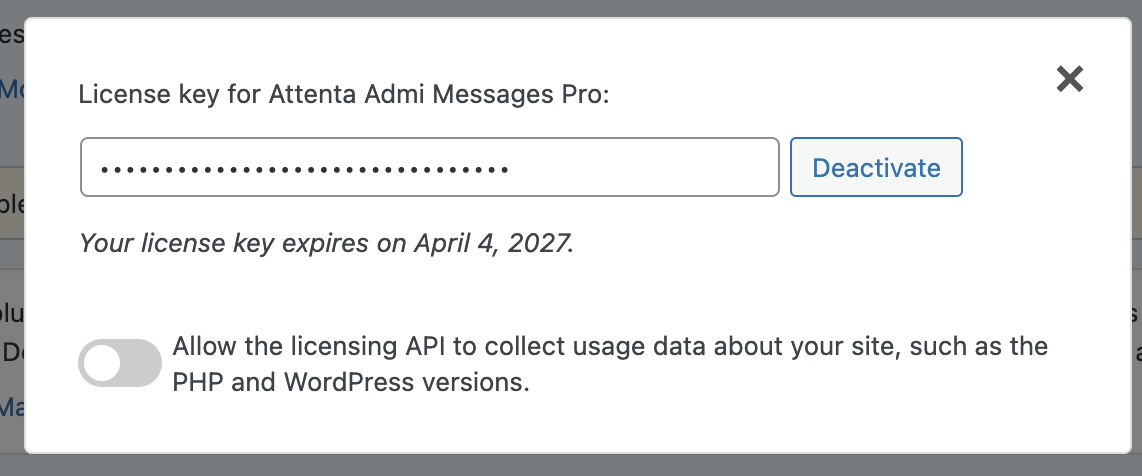
Once Activated, you will have option to deactivate license on the website.